

 LinkedIn
You get ten new or rewritten pages, total. If I spend one on a question a buyer never asks, I do not get that slot back by calling it thought leadership.
I would choose those ten the way I used to choose the first ten keywords for a new account: start with demand I can already see, then look for commercial questions where a competitor shows up and you do not. Say you are spending $20k a month and I have one afternoon to find traffic that can still convert. I do not start with volume. I start with Search Console and the buyer prompts you are losing. Most businesses that do this honestly will find that pages five through ten are rewrites, not new posts. That is the point.
1. Set the rule: ten pages, then stop. Cost: zero pages. Buys: a decision filter.
A content calendar rewards output. Citations reward a page that finishes the answer. An AI answer does not cite your site because you published on Tuesday. It pulls a passage that addresses a buyer prompt, names its subject, and puts the support close enough to travel with the answer.
That is why advice to just cover broad topics misses the point. One buyer question can fan out into questions about cost, fit, inclusions, and comparisons. A deep page can answer those follow-ups together. Forty thin pages may only start them.
Our own logs made the distinction concrete. One updates article drew 330 live AI answer fetches. Category pages drew zero in the same month on the same domain. The updates article answered specific follow-ups in self-contained sections with dates, numbers, and named entities. The category pages mostly linked elsewhere. I used to tell clients volume buys relevance. I was wrong about what that means for AI citations: another URL is not another complete answer.
The entry bar is not a secret file. A page needs to be indexed and eligible for a snippet; no extra AI file is required. And ranking alone does not settle which eligible page gets cited. An Ahrefs study of 863,000 keywords in March 2026 found 38% of cited pages also ranked in the top ten, down from 76% in July 2025; 31% ranked beyond position 100. Ranking helps. It does not make a half-answer complete.
Practical rule: do not spend a page until you can name the buyer question it will finish.
2. Build the candidate list in an afternoon. Cost: zero pages. Buys: a shortlist.
Pull Search Console for the last 90 days. Find queries where one of your URLs sits in positions 4 to 20 and has real impressions. Those are your half-ranks: Google already shows the page for the topic, but you have room to answer the query better. Sort by impressions, then read for intent. Keep cost, fit, inclusions, timeline, and risk questions. Park queries that bring readers but no decision.
Next, run 25 to 50 buyer prompts across ChatGPT, Gemini, and AI Overviews. Record the URL cited and who gets named. You want prompts where a competitor appears and you do not, not a flattering total mention count. Prompt-level tools such as PromptWatch, Scrunch AI, and Sight AI can help. If a competitor wins commercial prompts while you win informational ones, put those losses near the top of the list.
I walk through making that loss list in Find the Buyer Prompts AI Answers Without You. Aim for 15 to 20 candidate questions, each tied to an existing URL if one fits. You are collecting choices, not commissioning 20 drafts.
Keep the shortlist honest: a prompt you cannot connect to a buyer decision does not earn a page yet.
3. Score the shortlist before writing. Cost: zero pages. Buys: the order.
Give each candidate 1 to 3 points on three axes:
- Demand: Does Search Console show impressions, or does the question recur in sales calls?
- Intent: Is the buyer deciding what to buy, or merely learning a definition? A cost question beats a definition.
- Half-answer: Does an existing page already rank for the question without answering it fully?
That third score matters. A rewrite still costs one of your ten, but it starts with a URL already visible for the topic. Classify each candidate by prompt intent, competitor overlap, and page-level URL. Rank commercial intent above informational curiosity. If you are still counting brand mentions rather than losses, read Stop Counting AI Brand Mentions before you score.
The cut is mechanical: candidates scoring 7 to 9 compete for the ten slots. A 6 becomes a section inside a stronger page. A 5 or below goes. If more than ten score well, take the ten with the clearest buyer intent and visible demand. Do not quietly open an eleventh slot because everyone liked the idea in a meeting.
A local plumber I worked with had 22 candidates and kept arguing for a history-of-copper-piping explainer. It scored 4. It died. His cost page scored 9 and shipped first. If a candidate cannot point to a competitor you lose to, a query you half-rank for, or money changing hands, make it earn its place elsewhere.
4. Publish pages 1 and 2: cost and fit. Cost: two pages. Buys: answers to the first buying questions.
Page 1 answers what it costs and what drives the cost. Page 2 answers who it is for and who should not buy it. These are the buyer prompts that warrant commercial pages: cost, fit, and inclusions, not another what is explainer.
On a new ad account, I built the exact-match buyer-intent keywords first and let broad match wait. Same logic here. A dentist client once wanted page one to be a history of implants. His cost page shipped first and his fit page second; later comparison questions kept leading back to those two pages. The history could wait.
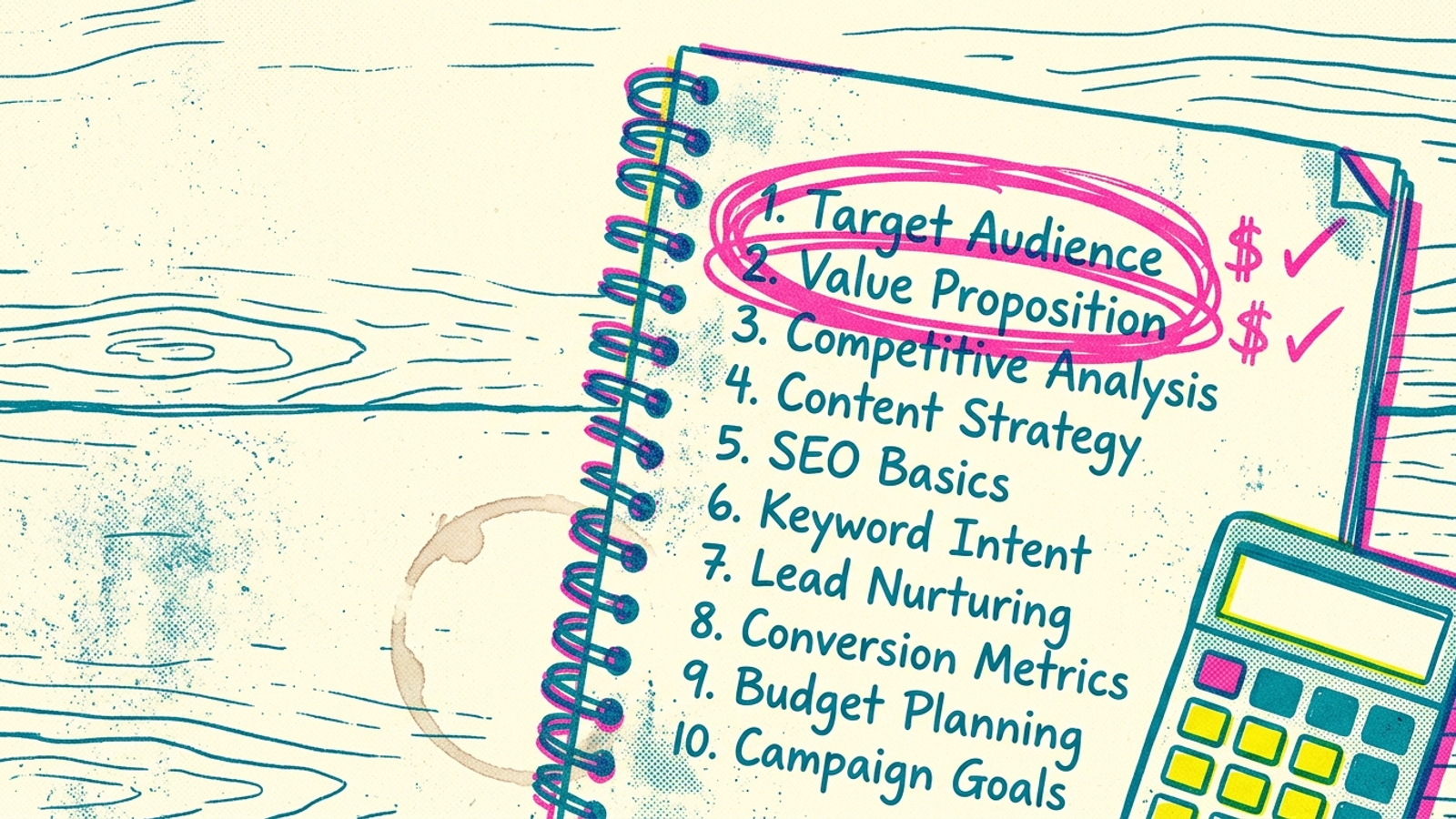
Make each page easy to lift without making it sound written for a machine. Use a question-phrased H2. Answer it in the first sentence, naming the subject. Give that answer two to four sentences of support that do not depend on as mentioned above. Put the useful material early: 44.2% of citations in one study came from the first 30% of content, and 78.4% of question-tied citations came from headings.
Give each page a fact only your business can supply: a price band you charge, a turnaround time from your logs, or a failure rate you measured. Name the service, place, material, and relevant competitor category where they belong. Cited passages in that study had 20.6% entity density, against 5 to 8% in normal text. That is a reason to be specific, not to cram nouns into every sentence.
Do not ship page 1 if it cannot tell the buyer what drives the price.
5. Publish pages 3 and 4: comparisons. Cost: two pages. Buys: a place in the shortlist.
Use these slots for prompts where AI names competitors and skips you. Usually that means one direct comparison and one category-level selection page: who to shortlist, what to compare, what mistakes to avoid. Build around the buyer’s decision, not a brand feud. State where you win and where you do not. A comparison that refuses to compare is an explainer with a more expensive title.
I learned to take these queries seriously while reading search terms. A comparison query can look expensive until you see how much closer that person is to deciding than someone reading a definition. Give the reader criteria they can actually use:
- A dated table or short list covering price band, turnaround, inclusions, and fit.
- A sourced claim with its number and primary-source link in the same sentence, plus a fact from your own work.
- A mistakes section that answers the objections buyers raise before choosing.
Sourcing is part of the answer, not a bibliography pasted on afterward. Adding citations, quotations, and statistics improved generative visibility by up to 40% in the KDD GEO tests on 10,000 queries. You still need a claim worth sourcing.
If page 3 cannot say who your offer is better for, and why, it has not earned a comparison slot.
6. Rewrite pages 5 through 10. Cost: six pages. Buys: fuller answers on URLs already getting seen.
These six are the strongest half-ranks from step 2, after scoring. They are rewrites, not six fresh posts. Keep each URL and add the missing buyer answers under question H2s: cost drivers, inclusions, turnaround, fit, or selection criteria. Link from the new money pages to the rewrites that support them, and link back where useful. Do not add every section to every page. Finish the question that page already has a chance to answer.
A rewrite can be an afternoon’s work rather than a week-long new brief because you are not inventing a topic or starting with a blank URL. But changing the date and swapping a few adjectives is not a rewrite. Use this bar:
- The first sentence under each new H2 answers the question and names its subject.
- The next two to four sentences support it without relying on another section for context.
- Any number that needs a source carries its link in the claim sentence.
- At least one useful fact comes from your own work: a price charged, a timeline from your calendar, or a count from your logs.
- The first screen answers something the old page did not.
Keep the opening free of throat-clearing and cut as mentioned above. A passage may be pulled without its neighboring paragraphs. Republish with a current date when the update is real.
If the first screen still gives the old half-answer, do not charge the rewrite against your ten.
7. Check each page as it ships. Cost: zero more pages and thirty minutes per page. Buys: evidence.
Do not wait for all ten pages to go live. Give each one a dated entry in the same sheet and check three things:
- Eligibility: Is the URL indexed, and can its answer appear as a snippet? If not, fix that before judging citations.
- Prompt results: Rerun the same 25 to 50 prompts across the engines you chose. Log whether your URL is cited and which competitor URL appears instead. Watch the citation rate over 60 to 90 days, not just on launch day.
- Search demand: In Search Console, check whether impressions for the URL’s target queries hold or rise while you watch for citations.
That first check takes thirty minutes per page. Keep watching monthly and reprioritize quarterly. Cited domains can turn over 40 to 60% month to month, so a win is monitored, not closed. If a rewrite gains a citation and later loses it, I read the replacement passage before touching mine. Perhaps it answers a missing number or selection criterion. Perhaps it tells me to leave the page alone.
Ten pages, ten dated checks. The sheet decides whether the next change belongs on an existing page, not your urge to publish something new.
8. Cut the tempting extras. Cost: zero pages. Buys: four slots you might have wasted.
I would cut the what is explainer, the company history, the 5,000-word ultimate guide, and any location page that does not answer a buyer question. They are easy to brief. They also let a team feel productive while competitors take the commercial prompts.
I have watched sites publish twelve explainers and gain zero citations while one cost page with real numbers gained three. That does not mean every explainer is worthless. It means an explainer does not get a slot in this ten-page plan merely because it is easy to write. If a topic cannot carry a useful number, date, or named competitor category, put its useful paragraph inside a page that can.
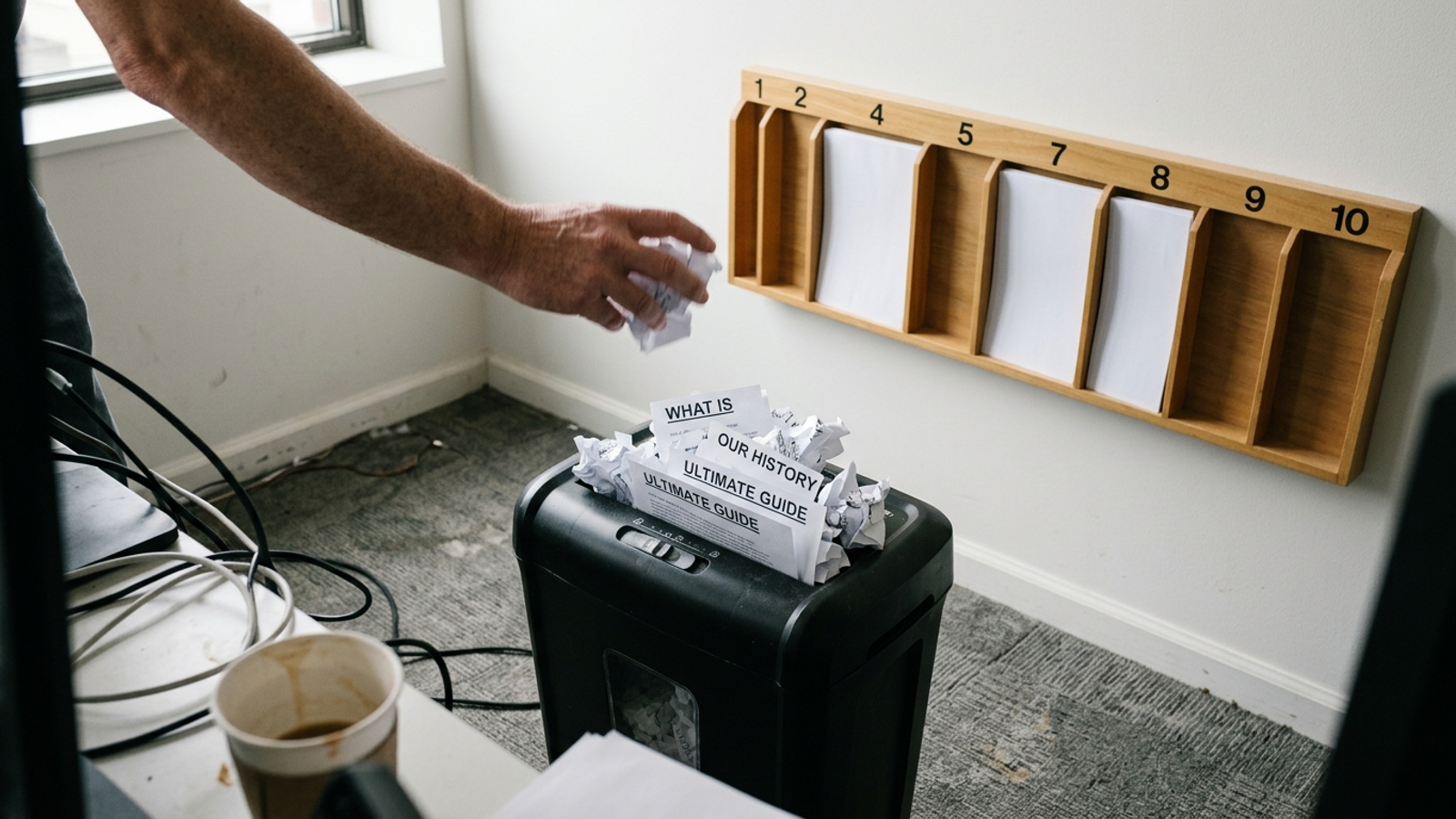
What the deck calls thought leadership, I call inventory with no buyer. It earns its place when it contains a fact AI cannot get elsewhere: your price band, your turnaround, your failure log. Without that, it is a longer way of saying what the category page already says. If the draft could run on a competitor’s site with the logo swapped, shred it.
When the ten-page constraint lifts
Do not buy a calendar. Buy the next ten with evidence. Your sheet now shows which prompts you win, which comparison still names someone else, and which rewrites moved citation rate over 60 to 90 days. If all ten stall, page eleven is not the fix. Check eligibility, measurement, and whether you are withholding the proprietary numbers that make the answer useful.
I would hand the work off when monitoring becomes the job. Ten pages I can ship and check by hand. Watching 50 prompts across engines, logging the URL that replaced mine, and updating a losing passage is continuous work. That is what groas is built to run, with a named strategist accountable for the direction instead of a report asking you to write more. Agencies can leave that work for a monthly check-in. groas keeps execution running. When the constraint lifts, use the loss list to choose the next page, not the next empty date.